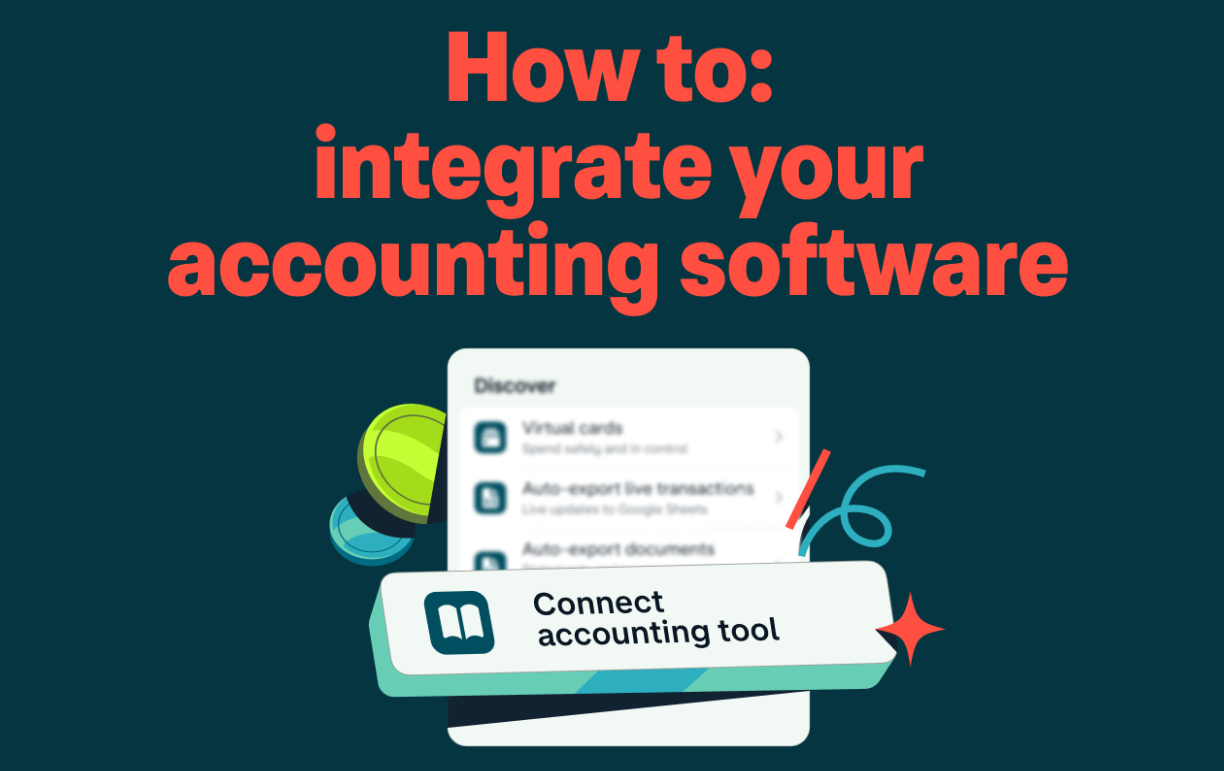
In today’s fast-paced digital economy, businesses rely on multiple tools to manage operations efficiently. From customer relationship management (CRM) systems to inventory platforms and payment gateways, each tool serves a critical function. However, when these systems operate in isolation, inefficiencies arise—data duplication, manual errors, and wasted time.
This is where integrating accounting software with your business tools becomes essential. By connecting your accounting system with other applications, you create a seamless ecosystem that improves accuracy, enhances productivity, and provides real-time financial insights.
In this comprehensive guide, you’ll learn everything you need to know about integrating accounting software with your business tools, including benefits, methods, challenges, and best practices.
Why Integration Matters for Modern Businesses
Before diving into the technical aspects, it’s important to understand why integration is no longer optional.
1. Eliminates Manual Data Entry
Manual data entry is not only time-consuming but also prone to human error. Integration allows data to flow automatically between systems, reducing mistakes and saving hours of work.
2. Improves Financial Accuracy
When your sales, expenses, payroll, and inventory systems are connected, your financial records stay consistent and up-to-date.
3. Real-Time Financial Insights
Integrated systems provide real-time reporting, enabling you to make faster and more informed decisions.
4. Boosts Productivity
Automation reduces repetitive tasks, allowing your team to focus on strategic activities instead of administrative work.
5. Enhances Customer Experience
When CRM and accounting systems are integrated, customer data and payment histories are easily accessible, improving service quality.
Key Business Tools to Integrate with Accounting Software
To maximize efficiency, your accounting software should connect with several essential business tools.
1. Customer Relationship Management (CRM) Systems
Integrating CRM with accounting software ensures that customer data, invoices, and payment statuses are synchronized.
Benefits:
- Faster invoicing
- Improved customer tracking
- Better sales insights
2. Payment Gateways
Connecting payment systems allows transactions to be automatically recorded in your accounting platform.
Benefits:
- Real-time payment tracking
- Automatic reconciliation
- Reduced accounting errors
3. Inventory Management Systems
For product-based businesses, inventory integration is crucial.
Benefits:
- Accurate stock tracking
- Cost of goods sold (COGS) automation
- Better demand forecasting
4. Payroll Systems
Payroll integration ensures employee salaries, taxes, and benefits are recorded correctly.
Benefits:
- Accurate financial reporting
- Compliance with tax regulations
- Time-saving automation
5. E-commerce Platforms
If you run an online store, integrating your accounting software with your e-commerce platform is essential.
Benefits:
- Automated sales recording
- Real-time revenue tracking
- Simplified tax calculations
6. Project Management Tools
For service-based businesses, linking project management tools helps track costs and profitability.
Benefits:
- Budget tracking
- Expense monitoring
- Profitability analysis
Methods of Integration
There are several ways to integrate accounting software with your business tools. The best method depends on your business size, technical expertise, and budget.
1. Native Integrations
Many accounting platforms offer built-in integrations with popular tools.
Advantages:
- Easy to set up
- No coding required
- Reliable performance
Disadvantages:
- Limited customization
- Not available for all tools
2. API (Application Programming Interface) Integration
APIs allow different software systems to communicate with each other.
Advantages:
- Highly customizable
- Scalable for growing businesses
Disadvantages:
- Requires technical expertise
- Development costs may be high
3. Middleware Solutions
Middleware platforms act as a bridge between different applications.
Examples of middleware tools include integration platforms that connect apps without coding.
Advantages:
- No-code or low-code solutions
- Flexible integrations
Disadvantages:
- Monthly subscription costs
- May require setup time
4. Custom Integration
Businesses with unique needs may develop custom integrations.
Advantages:
- Fully tailored to your business
- Maximum control
Disadvantages:
- Expensive
- Requires ongoing maintenance
Step-by-Step Guide to Integrating Accounting Software
Now let’s walk through the integration process step by step.
Step 1: Identify Your Business Needs
Start by evaluating your current workflow:
- What tools are you using?
- Where are inefficiencies occurring?
- What data needs to be synchronized?
Step 2: Choose Compatible Tools
Ensure your accounting software supports integration with your existing tools.
Look for:
- API availability
- Native integrations
- Third-party support
Step 3: Define Data Flow
Decide how data will move between systems:
- One-way or two-way synchronization
- Real-time or scheduled updates
Step 4: Set Up Integration
Depending on the method you choose:
- Enable native integrations
- Configure middleware tools
- Develop API connections
Step 5: Test the Integration
Before going live:
- Check data accuracy
- Verify automation workflows
- Identify and fix errors
Step 6: Train Your Team
Ensure your staff understands how the integrated system works.
Provide:
- Training sessions
- Documentation
- Support resources
Step 7: Monitor and Optimize
After implementation:
- Monitor system performance
- Identify bottlenecks
- Continuously improve workflows
Common Challenges and How to Overcome Them
While integration offers many benefits, it also comes with challenges.
1. Data Compatibility Issues
Problem: Different systems may use different data formats.
Solution: Use middleware or data mapping tools to standardize formats.
2. Security Risks
Problem: Data integration increases exposure to cyber threats.
Solution:
- Use secure APIs
- Implement encryption
- Restrict access controls
3. High Implementation Costs
Problem: Custom integrations can be expensive.
Solution:
- Start with native integrations
- Use cost-effective middleware solutions
4. System Downtime
Problem: Integration may disrupt operations during setup.
Solution:
- Schedule implementation during low-activity periods
- Test thoroughly before deployment
5. Lack of Technical Expertise
Problem: Not all businesses have in-house developers.
Solution:
- Use no-code tools
- Hire integration specialists
Best Practices for Successful Integration
To ensure a smooth and effective integration process, follow these best practices:
1. Start Small
Begin with one or two integrations before expanding to others.
2. Prioritize Critical Systems
Focus on tools that have the biggest impact on your business.
3. Maintain Data Consistency
Ensure consistent naming conventions and data formats across systems.
4. Automate Wisely
Avoid over-automation—ensure processes remain manageable and transparent.
5. Regularly Update Systems
Keep your software up-to-date to ensure compatibility and security.
6. Monitor Performance
Track key metrics such as:
- Data accuracy
- Processing time
- System uptime
Real-World Use Cases
Understanding how businesses use integration can provide valuable insights.
Case Study 1: E-commerce Business
An online retailer integrates:
- E-commerce platform
- Payment gateway
- Accounting software
Result:
- Automated order tracking
- Real-time financial reporting
- Reduced manual workload
Case Study 2: Service-Based Company
A consulting firm integrates:
- CRM system
- Project management tool
- Accounting software
Result:
- Accurate billing
- Improved client management
- Better profitability tracking
Case Study 3: Manufacturing Business
A manufacturing company integrates:
- Inventory management system
- ERP software
- Accounting platform
Result:
- Optimized supply chain
- Accurate cost tracking
- Improved financial planning
Future Trends in Accounting Software Integration
As technology evolves, integration is becoming more advanced.
1. Artificial Intelligence (AI)
AI-powered integrations can:
- Predict financial trends
- Automate decision-making
- Detect anomalies
2. Cloud-Based Solutions
Cloud technology enables:
- Real-time access
- Remote collaboration
- Scalable integrations
3. Blockchain Technology
Blockchain offers:
- Enhanced security
- Transparent transactions
- Immutable records
4. API-First Platforms
Modern software is increasingly designed with integration in mind, making connections easier and more flexible.
Choosing the Right Accounting Software for Integration
When selecting accounting software, consider:
1. Integration Capabilities
- Number of supported integrations
- API availability
2. Ease of Use
- User-friendly interface
- Minimal learning curve
3. Scalability
- Ability to grow with your business
4. Security Features
- Data encryption
- Access controls
5. Cost
- Subscription fees
- Integration costs
Final Thoughts
Integrating accounting software with your business tools is no longer a luxury—it’s a necessity for modern businesses aiming to stay competitive. By connecting your systems, you can eliminate inefficiencies, improve accuracy, and gain valuable insights into your financial performance.
While the integration process may seem complex, following a structured approach and leveraging the right tools can make it manageable and highly rewarding. Start small, focus on critical systems, and continuously optimize your setup to achieve long-term success.
In an increasingly interconnected digital world, businesses that embrace integration will be better positioned to adapt, grow, and thrive.